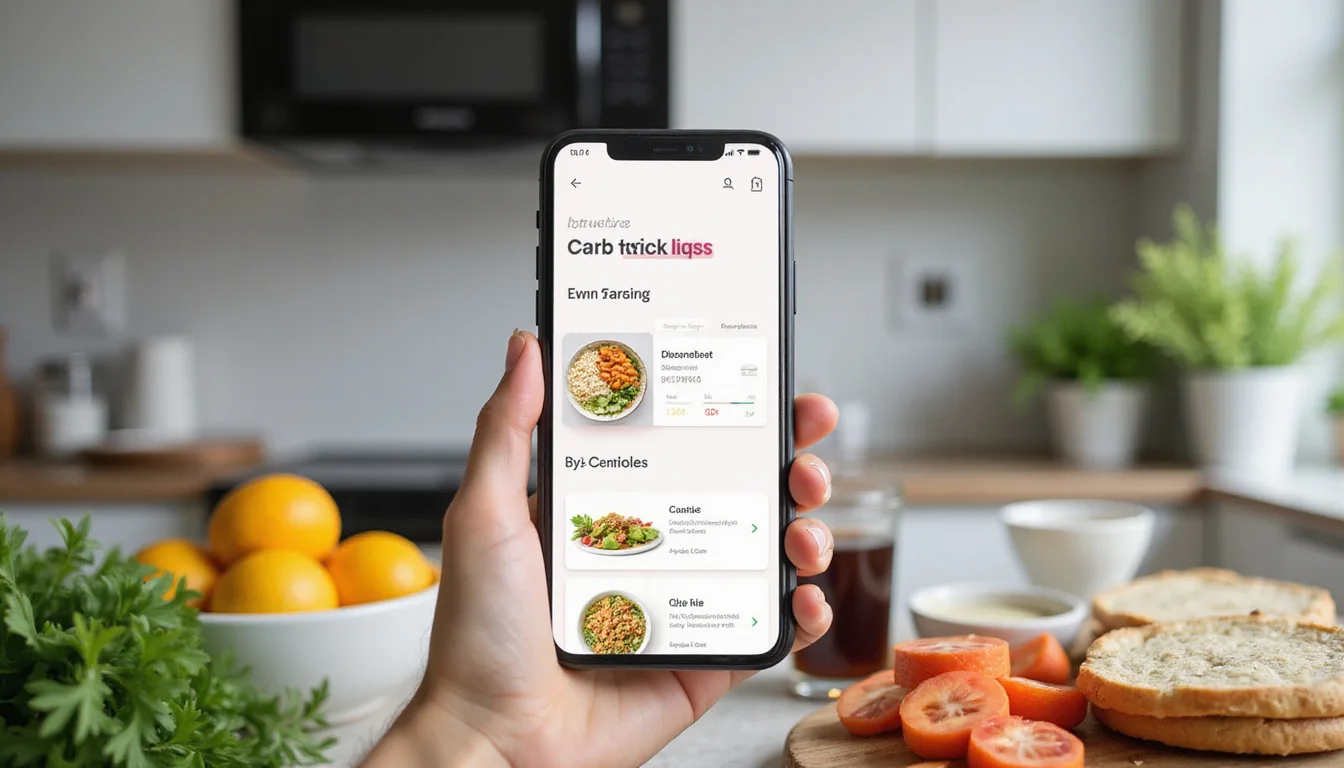
Carb tracking apps serve low-carb and keto eaters best when they make life simpler.
They track your food and quickly crunch numbers so you can enjoy eating well instead of doing math with every bite.
Why carb tracking matters for low-carb success
Low-carb and keto diets work by keeping track of the carbs you eat—not just by cutting out bread and sugar.
A day with 30 net grams may work very differently than one with 70 net grams, which can affect:

• Your weight and body shape
• Your blood sugar and insulin
• Your type 2 diabetes or prediabetes management
• Your overall energy and metabolic health
Calculating carbs by hand often feels slow and can lead to rough guesses.
When you guess, progress can slow down.
Carb tracking apps do the math by:
• Finding your food
• Adding total and net carbs
• Saving favorite meals and recipes
• Showing daily and weekly totals
Used well, the app becomes a planning friend, not just a food log.
What makes a carb tracking app truly helpful?
Not every carb app suits low-carb or keto eaters.
Those that help most share some key features.
1. Accurate and detailed carb data
For low-carb planning, you need clear details like:
• Total carbs
• Fiber
• Sugar
• Sugar alcohols when needed
• A net carb count or easy fields to do it yourself
Apps that show only calories or mix only macros fall short.
Pick one with:
• A big food database that includes brands, restaurants, and whole foods
• Clear units like grams, ounces, cups, or slices
• Community entries that are checked or flagged
2. Easy net carb tracking
Many low-carb diets focus on net carbs (total minus fiber, sometimes minus some sugar alcohols).
Good apps:
• Show net carbs on the screen
• Let you set goals with net carbs in mind
• Let you adjust how net carbs are calculated if your doctor or dietitian guides you
3. Recipe and meal planning tools
For planning meals, you need more than a food log.
Find features like:
• A recipe builder that calculates carbs with your added ingredients
• Meal templates to save combinations like “Breakfast #1” or “Lunch Favorite”
• Tools for batch cooking that adjust portions easily
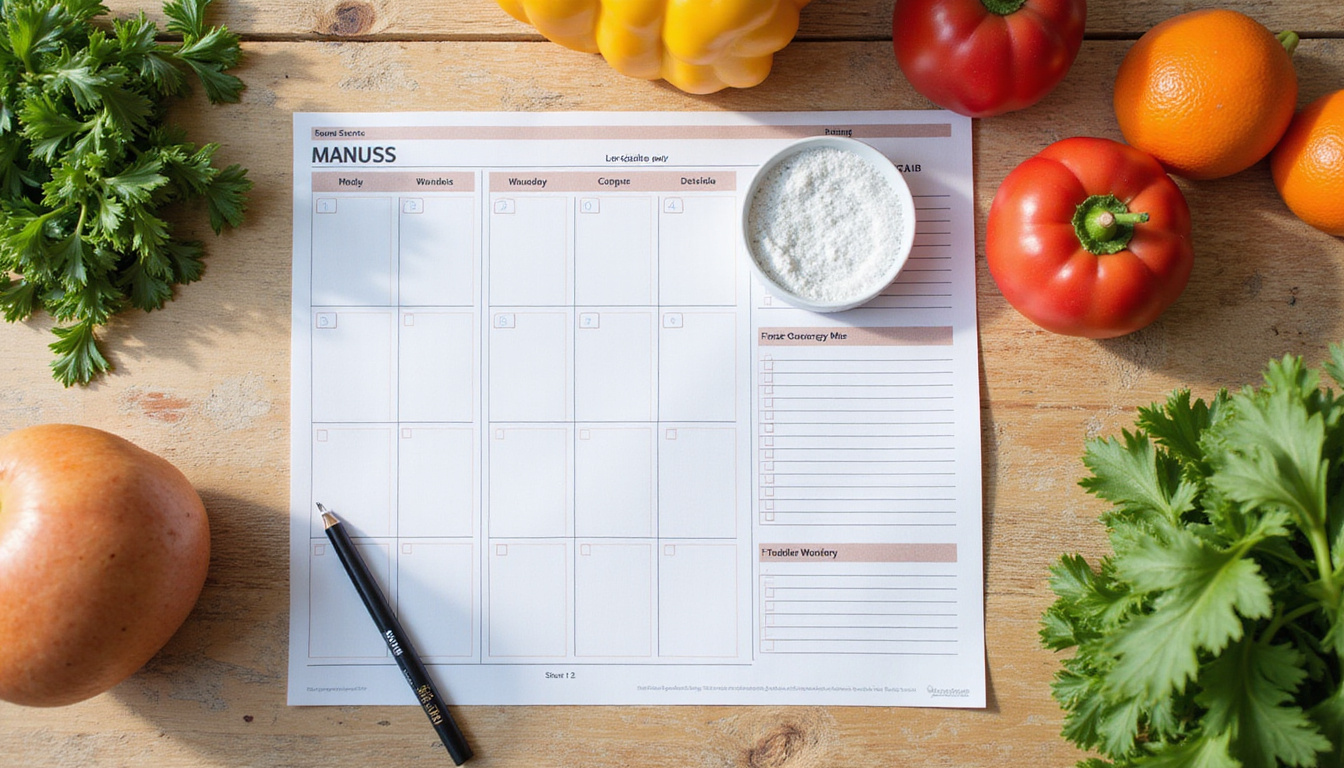
• A meal calendar to plan days or weeks in advance
Such features turn an app from a simple tracker into a meal planning helper.
4. Integration with your lifestyle and devices
Good apps must fit easily into your routine:
• Scanning barcodes to add foods fast
• A restaurant database or menu support
• Syncing with devices like smartwatches or fitness trackers
• The option to connect to a glucose monitor for diabetes care
The smoother the process, the more you will stick with it.
5. A user interface you actually like
An app that looks good on paper does little if you find it hard to use.
Look at how many taps it takes to add a meal, if it feels fast on your device, and if the design is clear to you.
Take advantage of free versions to try a few apps for a few days to see which one feels best.
Types of carb tracking apps: Which is right for you?
Different users need different details and support.
Understanding the main types of carb tracking apps helps in choosing the right tool.
General macro trackers (with carb features)
These apps support many diets—low-carb, high-carb, flexible diets, and more.
They usually include:
• Full macro tracking (carbs, protein, fat)
• Counting calories and watching weight
• Big food databases and barcode scanners
Some examples you might know are MyFitnessPal, Cronometer, Lose It!, and FatSecret.
Best for: Those who like to track a range of macros and might change their diet style sometimes.
Low-carb and keto-focused apps
These apps focus on carb limits and often include:
• Automatic net carb tracking
• Calculators for keto or low-carb needs
• Collections of keto-friendly recipes
• Daily dashboards that work like a carb budget
Apps like Carb Manager are built along these lines.
Best for: Those who follow low-carb or keto daily and want tools designed for carb restrictions and a community of similar eaters.
Diabetes and blood sugar management apps
These apps focus on:
• Carb counting to help with insulin use
• Syncing with blood glucose tools or continuous monitors
• Reports that show blood sugar control to share with your healthcare team
Examples include mySugr and apps that work with Dexcom, FreeStyle Libre, and others.
Best for: People with type 1, type 2 diabetes, or prediabetes who track both carbs and blood sugar with care.
How to use carb tracking apps for low-carb meal planning (step-by-step)
Merely downloading an app is not enough.
The power of the app comes in how you use it.
Here is a simple approach:
Step 1: Set realistic carb and macro targets
Before planning meals, set clear goals based on your needs.
For example, you might choose:
• Moderate low-carb: 50–100 g net carbs per day
• Low carb: 20–50 g net carbs per day
• Strict keto: 20–30 g net carbs per day
Most apps let you:
• Set a daily carb target (total or net)
• Adjust the fat and protein percentages
• Set a calorie goal if needed
Work with a healthcare professional if you have diabetes or another condition to set these targets.
Step 2: Build a “go-to” library of meals
Simplify meal planning by developing a set list of meals that you enjoy and can track easily.
In your app, create:
- Five to ten breakfasts
- Ten to fifteen lunches and dinners
- Five to ten snacks
For each meal, create a recipe entry:
• List the ingredients with exact amounts
• Set the number of servings
• Let the app show carbs per serving
Soon, you have a personal list to repeat without re-entering data.
Step 3: Plan days, not just individual meals
Think about how one meal fits into your whole day.
Use the app to:
• Pre-log meals for the next day the night before
• Plan a week ahead using flexible placeholders
A sample day might look like:
• Breakfast: 8–10 net carbs
• Lunch: 10–15 net carbs
• Dinner: 10–15 net carbs
• Snacks: 5–10 net carbs total
Then, adjust to stay under your daily target.
Step 4: Use your carb budget like money
See your daily carbs as a budget.
Your app shows:
• The carbs left for the day
• How many carbs you have already used
If you use more carbs at lunch than planned, you can:
• Choose a very low-carb dinner with meat, non-starchy veggies, and fats
• Skip or cut back on snacks
• Swap high-carb foods like rice or bread with lower-carb sides
Over time, you learn which foods cost more carbs and adjust naturally.
Step 5: Learn from weekly patterns
Most apps display weekly or monthly summaries.
Use these to see:
• Your average daily carbs against your goal
• Which days you use more carbs
• Which meals push you over the limit
Then, tweak your plans by:
• Creating plans for special days (restaurant, parties, or holidays)
• Identifying foods that are hard to measure
• Replacing them with better alternatives from your saved meals
Features that support low-carb meal planning
When you compare apps, look at these planning features.
Recipe creation and scaling
A good recipe section lets you:
• Input all ingredients with measurements
• Define the total number of servings (like 4 servings of chili)
• See the carbs per serving quickly
• Adjust serving sizes for leftovers or bulk cooking
This helps when a small change in portion size means a big change in carbs.
Custom foods and local products
If you cook or use local brands, look for features such as:
• The ability to add food manually using label data
• Options to edit or clone entries for small adjustments
• A way to save favorites so you don’t search every time
These tools help you keep your carb count accurate without repeated work.
Visualization of carb intake
Seeing your numbers helps you understand your progress.
Good visuals include:
• Pie charts that split carbs, fat, and protein
• Line graphs mapping daily carb use
• Bars showing how close you are to your daily carb limit
Seeing these graphs helps you find trends without reading lots of numbers.
Common mistakes when using carb tracking apps for low-carb diets
Even the best tools need the right approach.
Be aware of these common mistakes.
Relying on unverified database entries
Community entries are fast but not always right.
To avoid mistakes:
• Pick verified or label-based data
• Double-check if a carb count seems very low or high
• Compare with nutrition labels when you can
Ignoring portion sizes
Logging “one serving” without checking what a serving means can hide extra carbs.
Always:
• Verify the units (grams, ounces, cups, or pieces)
• Use a food scale or measuring cups while you learn portions
• Be honest about the size of your portion
Only tracking some days
Tracking only on good days hides the full picture.
Try to log at least 3–4 full days a week, choosing regular days, and use that data to build a baseline plan.
Obsessing over tiny differences
The aim is to simplify meal planning.
Being off by a few grams sometimes will not ruin your efforts.
Focus on overall trends, consistency, and staying roughly within your target.
Who benefits most from carb tracking apps?
Different people get help from tracking in different ways.
Carb tracking apps often help:
• Beginners to low-carb or keto by showing carb content and hidden sugars
• People with weight or metabolic goals who need to tighten carb intake
• Those with blood sugar issues—type 2 diabetes, prediabetes, or gestational diabetes—who watch how carbs affect their sugar levels
• Anyone who likes routine and structure, and enjoys watching progress charts
If you already have a set low-carb routine that works, you might use an app only to refine recipes or plan for special days.
Evidence-based benefits of tracking and planning
Studies show that watching what you eat—whether carbs, calories, or macros—helps with diet goals in weight loss and diabetes care.
Carb tracking apps update the old food diary with quick actions and more precise numbers.
Top benefits often include:
• A clearer idea of your true carb intake
• Better portion control
• More consistency with low-carb goals
• A way to notice and fix plateaus in progress
The key is using the app to support your goals without taking over your life.
Practical tips to make carb tracking feel effortless
To keep the app as a help rather than a chore, try these ideas:
• Pre-log meals before you eat. Adjust later if necessary.
• Spend one weekend entering your favorite recipes to use for many months.
• Use voice search or barcode scanning to add entries quickly.
• Save full meals (like “Workday Lunch #1”) instead of logging every item each time.
• Track with care but do not stress over a few extra grams.
• Check progress on a weekly basis instead of every hour.
FAQ: Carb tracking apps and low-carb planning
How do I choose the best app for tracking carbs?
Look for an app that shows detailed carb and fiber data, automatically calculates net carbs, has a strong recipe builder, and a clear design.
If you follow a keto or strict low-carb plan, choose an app that supports net carb goals and helps with meal planning.
Do I need a carb counting app for low-carb or keto?
While you do not have to use an app, one can simplify learning and keeping track of your intake.
Apps help you know which foods fit your carb budget, spot hidden carbs, and build routines without guesswork.
Are carb tracking apps accurate for diabetes management?
Many apps work well for diabetes care if used correctly.
For the best results:
• Use data that is verified or from labels
• Measure portion sizes carefully
• Sync with your blood sugar readings and follow advice from a healthcare professional
For insulin or careful blood sugar control, choose apps that work with glucose meters or continuous monitors and always follow medical advice.
Turn your carb tracker into a low-carb meal planning ally
Carb tracking apps do not have to feel like endless spreadsheets.
Used with care, they become:
• A guide that shows where carbs hide and what you really eat
• A helper that plans days and weeks that meet your carb goals
• A support tool that shows patterns and progress
If you struggle with keeping low-carb, stalled results, or the mental work of counting carbs, give an app a fresh try.
Pick one that fits your style, spend a little time saving your go-to meals, and let the app do the numbers so you can enjoy delicious, low-carb food.
Start by downloading an app that supports net carbs and recipe planning, set your daily carb target, and plan one low-carb day in detail.
Once you see how simple it is to have your meals mapped out with the numbers handled for you, you will find a clear path to steady progress and less worry about food.
[center]Always consult with your doctor prior to making drastic diet changes.[/center]
[center]As an Amazon Affiliate, Savvy Keto makes a small commision (at no extra cost to you) on any purchases you make thru affiliated links you click on.[/center]